HOW TO PLAY
Nine little clips. Everything you see is the actual game — no reading required.
Tap a clip to play it-
1
Make yourself first
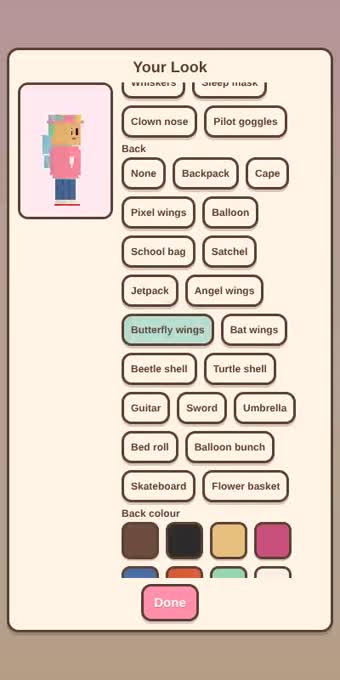
Type a name, then tap Customize… Hair, hats, glasses, something on your back — the little you turns around while you pick.
-
2
Tap the floor to walk
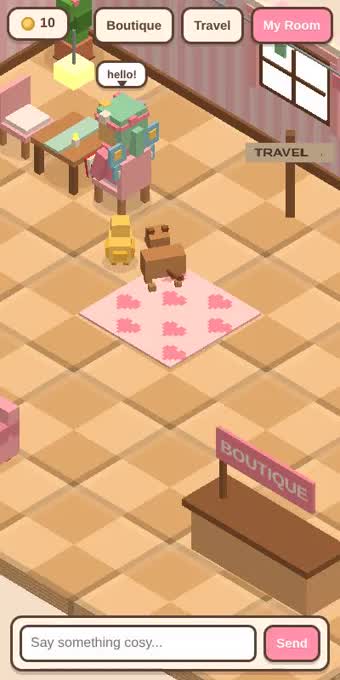
That is the whole control scheme. Tap a chair or a sofa and you sit down. Drag to look around. Type in the bar at the bottom to chat with whoever is there.
-
3
My Room is yours
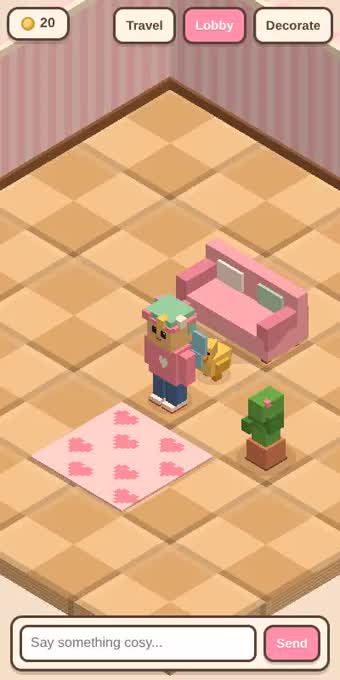
Tap My Room, then Decorate. Pick something from the row along the bottom and tap a tile to put it down. Long-press anything to move or rotate it.
-
4
Build your own furniture
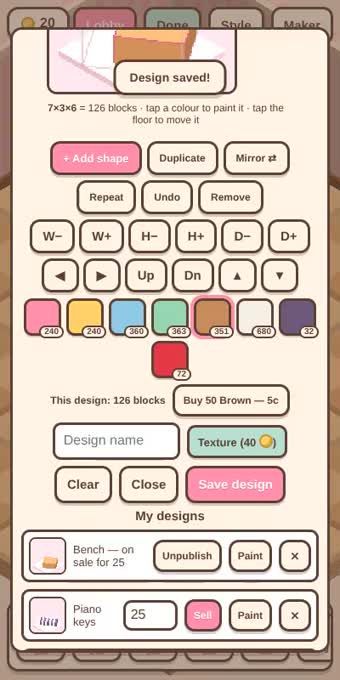
While decorating, open the Maker. Add a shape, stretch it with W / H / D, tap a colour to paint it. The price is simply the number of blocks you use — and it counts along while you build.
-
5
One shape, ten copies
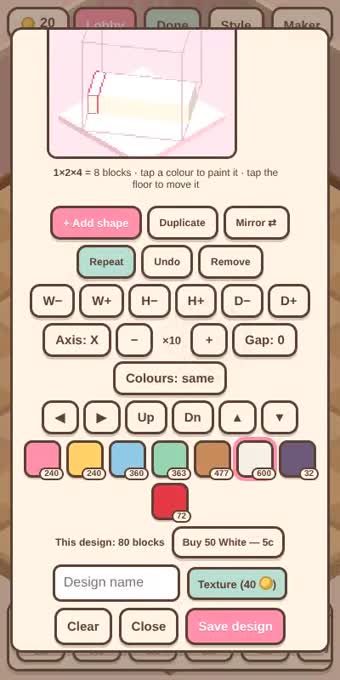
Repeat is for shelves, fence rails, railings and piano keys. Set the axis and the number; tap a colour while repeating and every second copy changes. The wall of your slot is the hard stop.
-
6
Blocks come from the Meadow
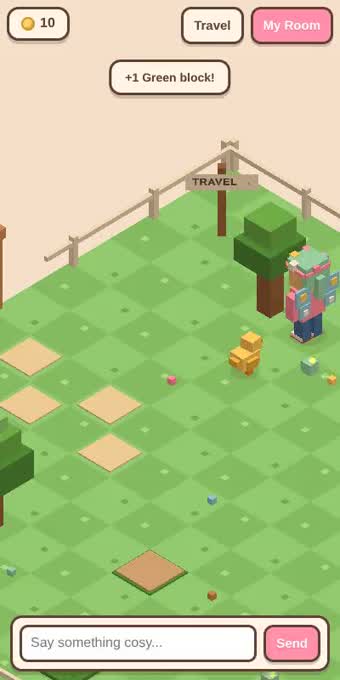
Every block you build with came from somewhere. Tap a tree and you walk over and chop it; dig the bare patches, pick the flowers for pigment. When a tree is spent it needs a little rest.
-
7
There is more than the lobby
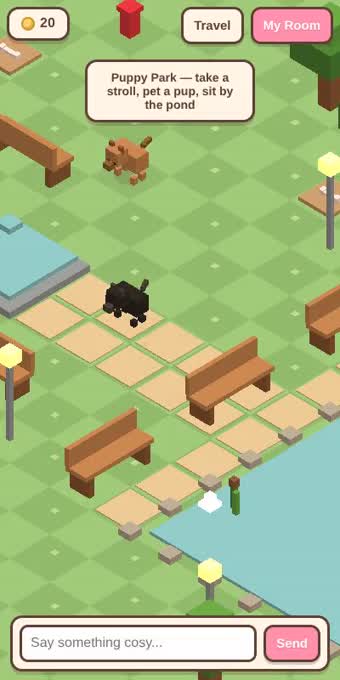
The Travel button opens the map: the Lobby, the Meadow, Puppy Park and the Pet Shop. Puppy Park has a pond, benches you can really sit on, and pups that notice you.
-
8
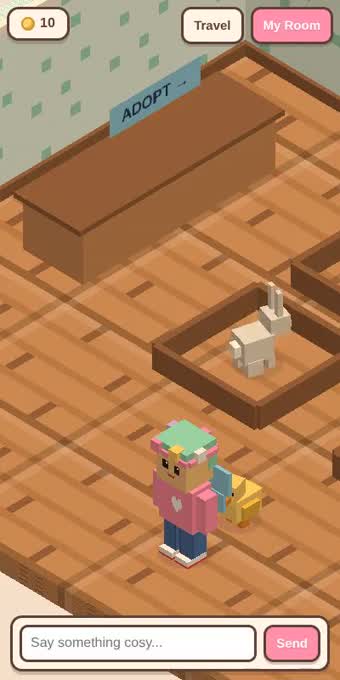
A friend that comes along
Tap the counter in the Pet Shop and pick one. No feeding, no moods — it just walks with you, into every place you go, and everyone else can see it too.
-
9
Sell what you made
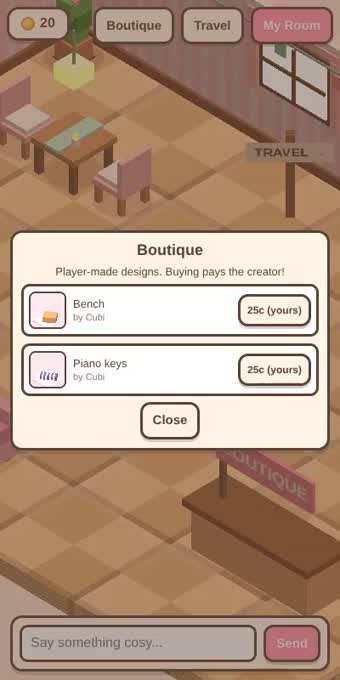
In the Maker, under My designs, set a price and tap Sell. It appears in the Boutique in the lobby. You always keep your own — but you are the shopkeeper: every sale is made from your blocks and pays you your full price. Out of blocks means sold out until you gather more. Unpublish whenever you like.